Essential WordPress Plugins: What You Actually Need in 2026

TL;DR: The essential WordPress plugins for 2026 are one each of: SEO (Rank Math), caching (WP Rocket), security (Wordfence), forms (Fluent Forms or WPForms), backups, and anti-spam — six jobs, six plugins. With nearly 60,000 plugins available and 91% of new WordPress vulnerabilities living in them, the winning move is a short stack of actively maintained tools, not a long one.
The official WordPress plugin directory holds nearly 60,000 free plugins, by Jetpack’s own count — and that abundance is the trap. Most “best plugins” lists are written by plugin vendors recommending their own products. This one isn’t. I run noelcabral.com on nine plugins total, and in this guide I’ll show you which essential WordPress plugins actually earn a slot — with the security and performance data that disqualifies the rest.
Why Fewer Plugins Beat More in 2026
The case for a minimal stack is now a security argument, not just a speed one. Patchstack’s State of WordPress Security in 2026 report counted 11,334 new vulnerabilities in the WordPress ecosystem in 2025 — and 91% of them were found in plugins, versus 9% in themes. Every plugin you install is attack surface. The essential WordPress plugins philosophy is simple: one well-maintained tool per job, nothing else.
Maintenance matters as much as count. Patchstack found 46% of disclosed vulnerabilities had no developer fix available at disclosure time, and the weighted median time to first exploit was just 5 hours. Translation: an abandoned plugin is a liability you can’t patch your way out of. Before installing anything, check the “last updated” date on its WordPress.org page.

Speed tells the same story with a twist. Kinsta’s performance testing concluded “the number of plugins isn’t as important as the quality of the plugins” — in their profiling, one social-media plugin’s response time measured 30x the next plugin below it. A short list of good citizens beats a long list of anything.
SEO: Rank Math (My Pick Over Yoast)
An SEO plugin is the first of the essential WordPress plugins because WordPress ships with almost no SEO controls: no meta descriptions, no sitemaps management, no schema. The two serious options in 2026 are Yoast SEO (10+ million active installs, 4.8 stars) and Rank Math (4+ million active installs, also 4.8 stars). Yoast has the installs; Rank Math gives you more in the free tier — schema types, redirections, and per-keyword scoring that Yoast paywalls.
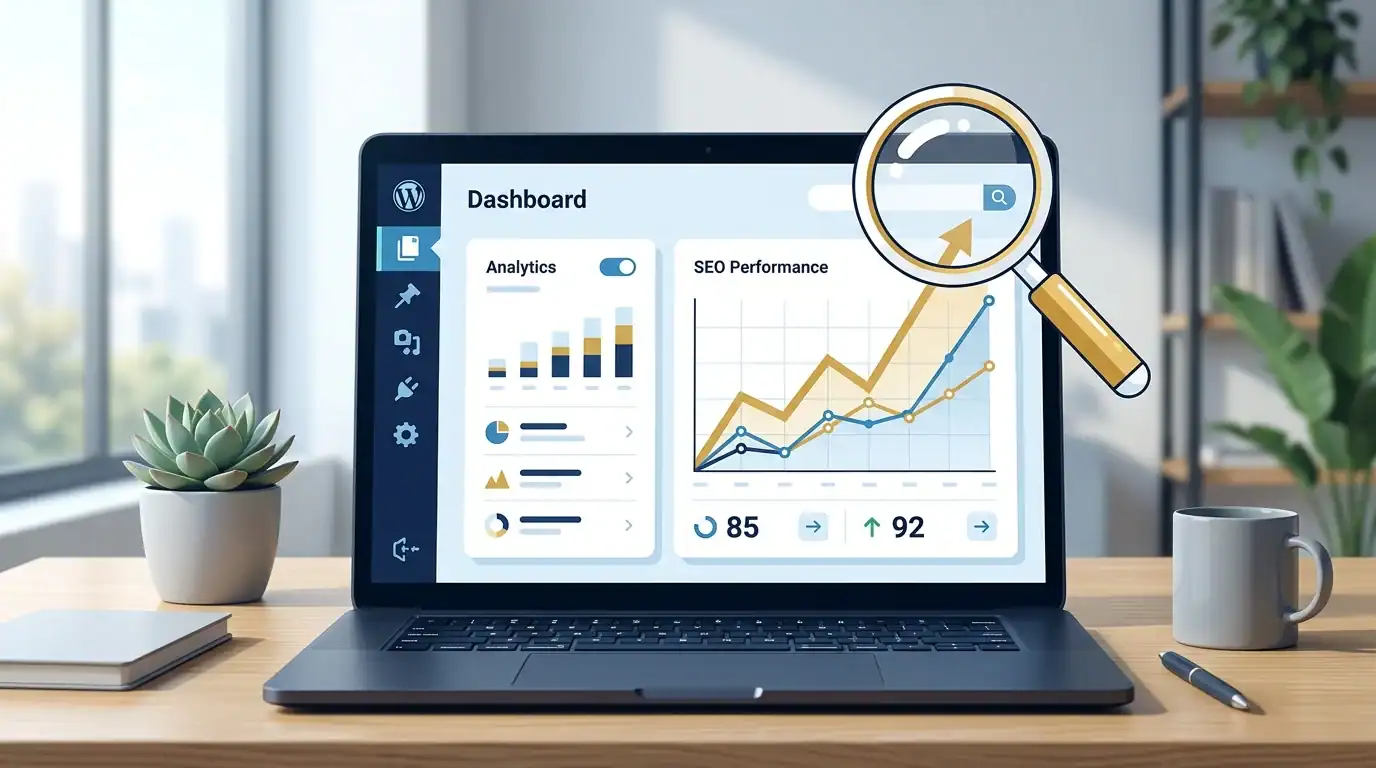
Here’s the experience that settled it for me. This July I pruned 74 thin posts from this site as part of an indexing recovery — every one needed a 301 redirect or a 410 response. Rank Math’s Redirections module handled all 74 in one afternoon, and because it exposes its data cleanly, I could script the whole batch instead of clicking through 74 forms. That module is a paid add-on in Yoast’s world. I wrote up the full switch in Rank Math vs Yoast: why I switched.
Whichever you choose, install exactly one. Two SEO plugins fight over the same meta tags and sitemaps, and the result is worse than either alone.
Caching: WP Rocket (With One Hard-Learned Lesson)
Caching is where essential WordPress plugins pay the most visible dividends. In Kinsta’s tests, page caching cut load time by 33.77% and reduced time-to-first-byte by up to 90%. The most recent HTTP Archive Web Almanac CMS data shows only 41% of WordPress origins passing Core Web Vitals — a caching layer is the single biggest lever for getting into that passing group.

I run WP Rocket here, and it does its job well — but let me share the lesson it taught me during that same July cleanup. After restructuring dozens of URLs, parts of my site kept serving stale copies: my site-map page listed posts I had deleted hours earlier, and an API route returned a cached 404 long after the endpoint existed. Nothing was broken; the cache was just doing its job too well. The rule I follow now: after any structural change — redirects, deletions, new endpoints — purge every cache layer immediately, then verify with a fresh request. Set it, but don’t forget it.
Security: Wordfence
Go back to the Patchstack numbers: 11,334 new vulnerabilities in a year, 46% unpatched at disclosure, first exploits landing in a median of 5 hours. That’s the environment your login page lives in. A firewall and malware scanner is not optional equipment anymore — it belongs on every list of essential WordPress plugins, even for a small personal blog like mine.

Wordfence has guarded this site since I launched it. Its web application firewall blocks known exploit patterns before they reach WordPress, and its login protection shuts down the brute-force attempts every public site attracts. The free tier is genuinely useful; the paid tier mainly buys you real-time firewall rules instead of 30-day-delayed ones. Pair it with the boring fundamentals: unique passwords, two-factor authentication, and auto-updates on every plugin you keep.
Forms: Fluent Forms (or WPForms)
Every site needs at least a contact form, and form plugins are a category where free tiers are genuinely enough. I use Fluent Forms on this site — it’s fast, and the free version covers contact forms, spam protection, and entry storage without upsell nagging. The mainstream alternative is WPForms (5+ million active installs, 4.8 stars), whose drag-and-drop builder is the friendliest for beginners. Either is a sound pick among essential WordPress plugins; choose one and skip the rest of the category.
The Rest of My Nine-Plugin Stack
Beyond the big four, three supporting tools round out what I consider the essential WordPress plugins for a content site, plus two site-specific extras:
- Link Whisper — internal-link suggestions. Internal links from indexed posts are the strongest crawl-priority signal you control, and doing it by hand across 50+ posts doesn’t happen.
- Google Site Kit — Search Console, Analytics, and PageSpeed data inside wp-admin. Free, first-party, no configuration drama.
- A backup plugin — pick one that stores copies off-server (UpdraftPlus is the popular free choice). Test a restore once; an untested backup is a hope, not a plan.
- Kadence Blocks — extends the block editor for my theme; only essential if your theme is built on it, which mine is.
- Redirection — a dedicated redirect manager I keep for legacy rules that predate Rank Math on this site.
That’s the whole stack: nine plugins, six jobs. For context on the platform itself, see my complete guide to WordPress.
How the Big Names Compare
Active install counts from WordPress.org, July 2026 — popularity isn’t quality, but it does correlate with maintenance velocity, which the Patchstack data says is what keeps you safe:
One caution on page builders: Elementor’s 10+ million installs make it the default suggestion everywhere, but its 4.5-star rating trails the others, and builders are the classic source of the plugin-weight problem Kinsta measured. If your theme’s block editor does the job — mine does — a page builder is weight you don’t need.
Plugins You Can Skip
Half of a good essential WordPress plugins list is what’s not on it. Skip: social-share bars (the exact category Kinsta caught running 30x slower than its neighbors), separate analytics dashboards beyond Site Kit, “WordPress optimizer” plugins that duplicate what your cache already does, slider plugins, and any plugin whose last update is over a year old — the Patchstack unpatched-at-disclosure rate is why. Every removal is a small speed and security upgrade. My own site’s turnaround came partly from cutting weight, which I documented in what changed after the core update.
FAQ: Essential WordPress Plugins
How many plugins should a WordPress site have?
Aim for one plugin per job — most blogs need six to ten essential WordPress plugins covering SEO, caching, security, forms, backups, and anti-spam. Quality and maintenance matter more than count: Kinsta’s testing found a single badly built plugin can outweigh a dozen efficient ones.
Do plugins slow down a WordPress site?
Bad ones do; the count itself matters less. Kinsta’s profiling found one social plugin responding 30x slower than the next plugin measured, while well-built essential WordPress plugins add negligible weight. A caching plugin more than offsets the rest — cutting load times by roughly a third in Kinsta’s tests.
Are free WordPress plugins safe?
Free is fine; abandoned is not. Patchstack logged 11,334 new WordPress vulnerabilities in 2025, 91% of them in plugins, and 46% had no fix at disclosure. Stick to actively maintained plugins with recent updates and large install bases, enable auto-updates, and run a firewall like Wordfence.
The Bottom Line
The essential WordPress plugins for 2026 haven’t changed because of hype — they’ve been validated by data: Rank Math for SEO, WP Rocket for speed, Wordfence for security, one form plugin, one backup plugin, and ruthless deletion of everything else. Nine plugins run this site. Start there, add only when a real job appears, and check the update date before you trust anything new. If you’re still choosing where to host all this, my WordPress hosting comparison covers the foundation underneath the plugins.
Noel Cabral runs noelcabral.com on WordPress and writes from direct experience managing, breaking, and fixing his own stack — including this site’s 2026 indexing recovery.